Building My Own Tools
Ongoing experiment
What?
Small pieces of software I build for my own creative process, through conversation with Claude Code.
Why?
Instead of adapting my process to existing software, I want tools shaped around the way I work.
Next?
Growing these experiments into a personal design studio. Pick a category below — most of them are live to try.
Read the full story
I'm exploring how far I can extend my role as a designer by building the tools I design with. Each project starts with a need in my own creative process, then becomes a small piece of software built through conversation with Claude Code.
Over time, I want these experiments to grow into a personal design studio: a collection of tools shaped around the way I work, rather than adapting my process to existing software.
Want to build tools like these for your own work? It’s something you can learn too, one on one. Learn with me
The tools, by category
Image Playground
Instead of adapting my images to existing effects, I wanted a space where I could manipulate them more freely and see the result in real time.
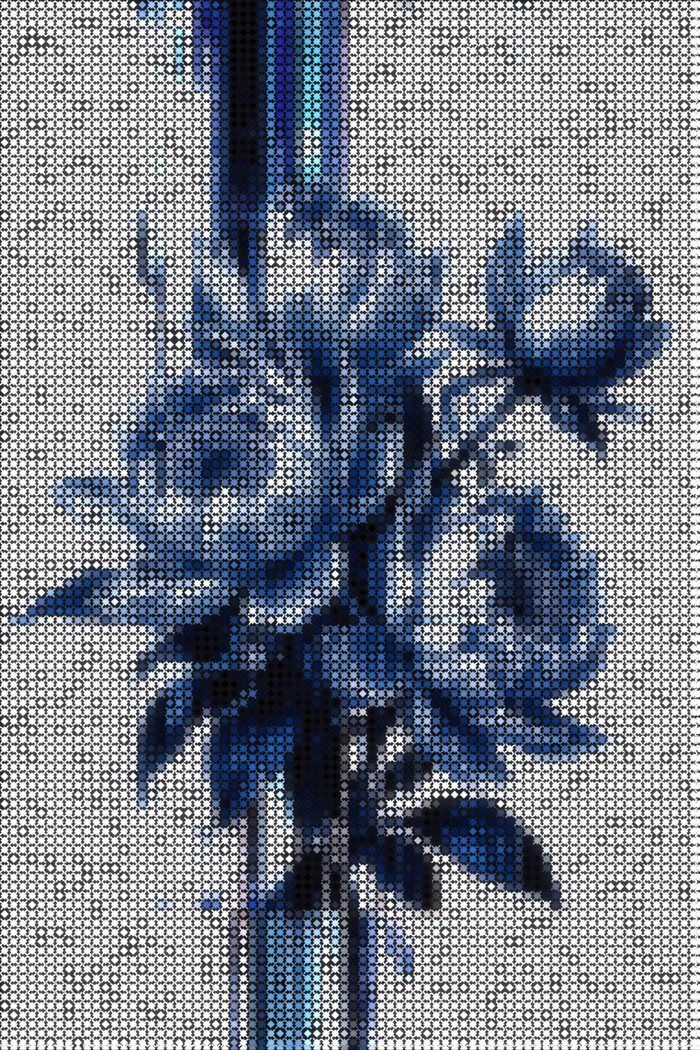
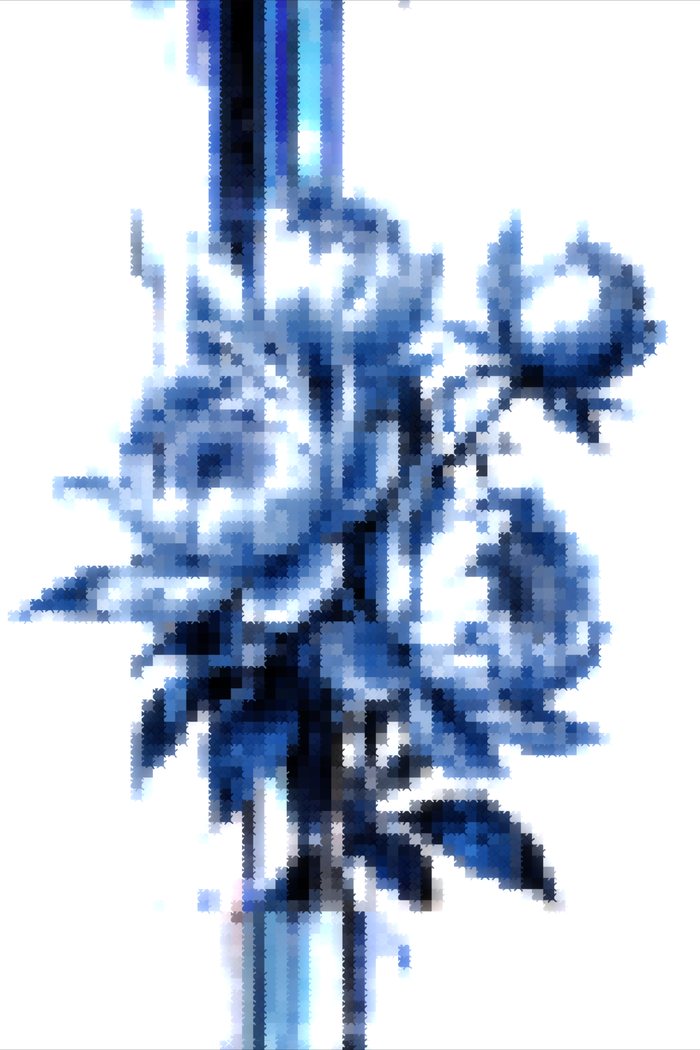
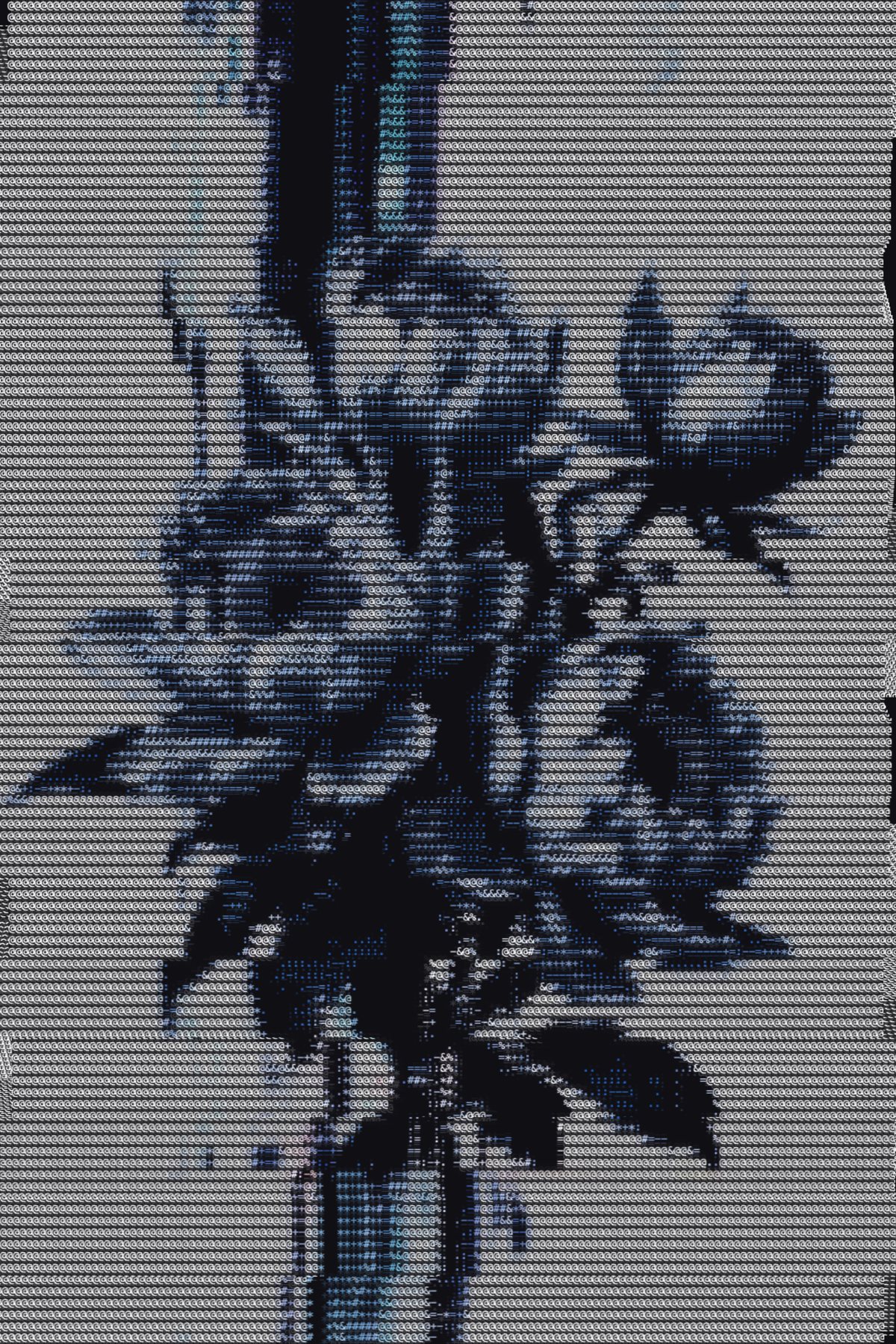
A modular playground for breaking an image into cells, symbols, grids and glow, with direct control over how the image is interpreted. Part of the inspiration comes from the language of thread — cross-stitch and embroidery as a way of reading an image in grids and stitches.
Open the tool Try it yourself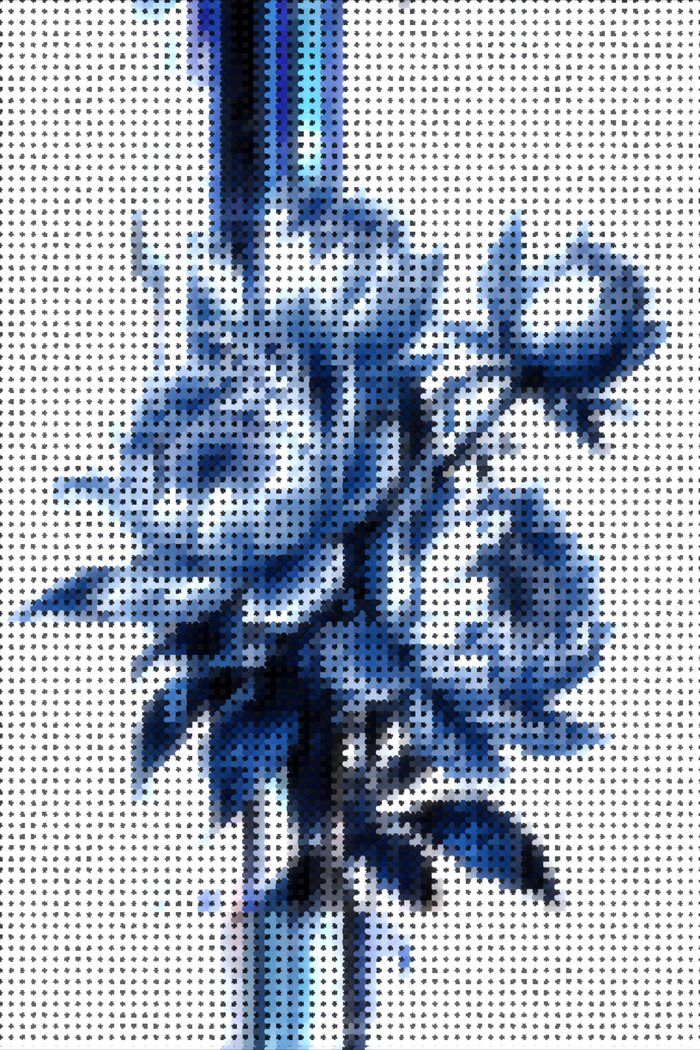
Ongoing exploration
Digital Cross-Stitch
Where did the tool actually start? With thread.
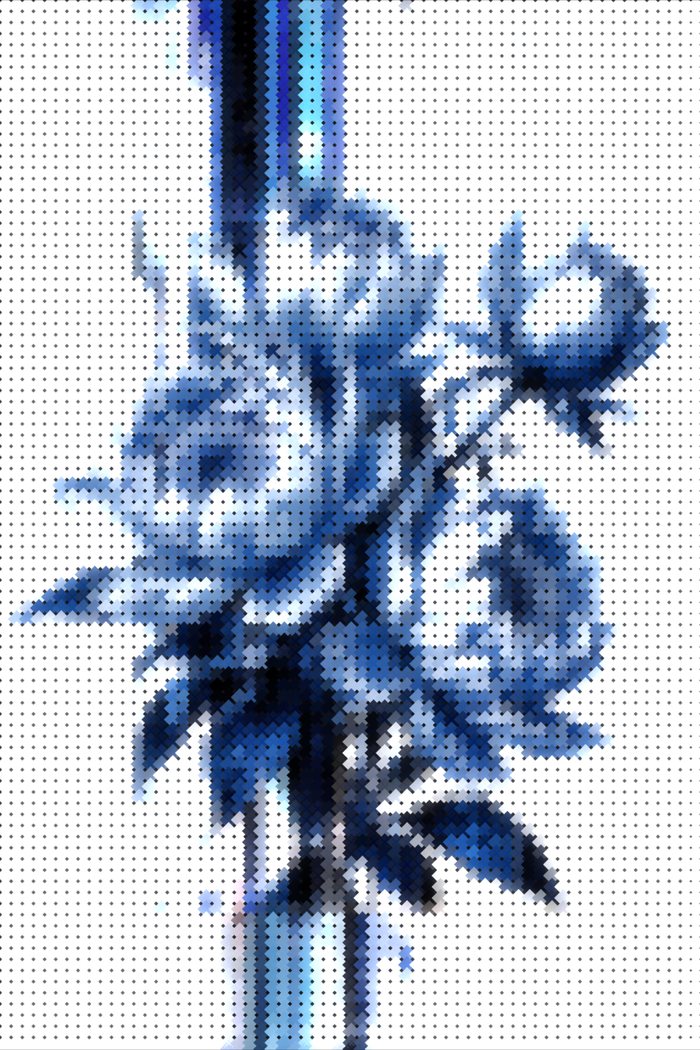
I wanted to see if an image could be stitched digitally — read the way a needle reads it, cell by cell, row by row.
This is one of the results I keep coming back to. The characters sit on the grid like stitches, and the flower dissolves into something that feels woven, not printed.
It’s not finished. It’s a direction.
How close can a digital grid get to the texture and rhythm of thread?
Mockup Studio
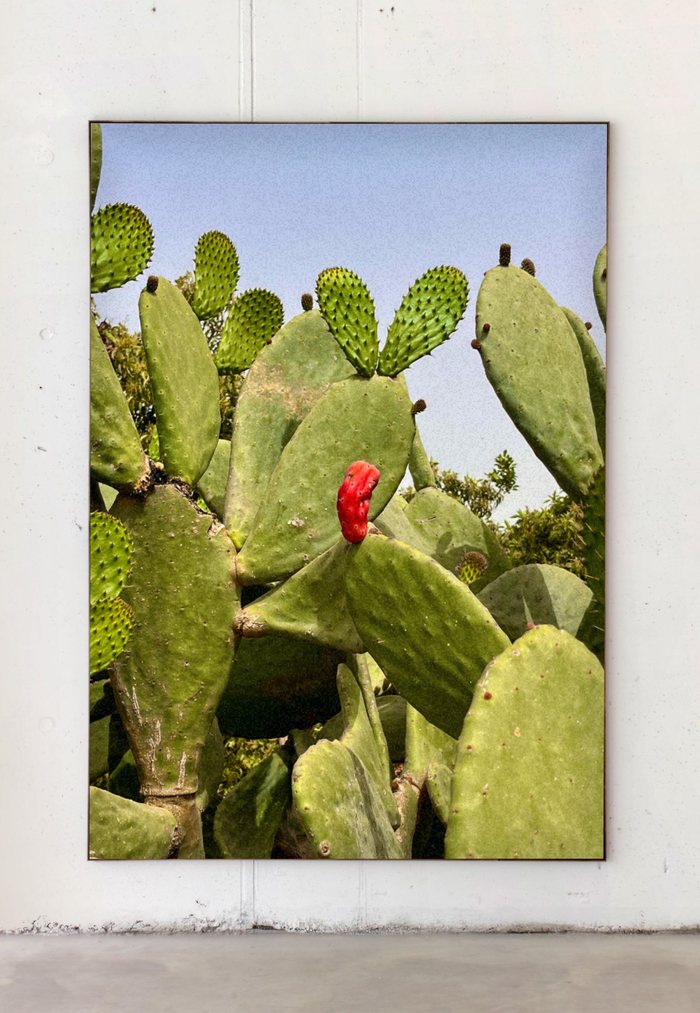
I wanted to present my photography in realistic framed mockups without relying on Photoshop, while keeping control over the final result. So I built a tool for placing artwork into spaces and adjusting its presentation.
Open the tool Try it yourself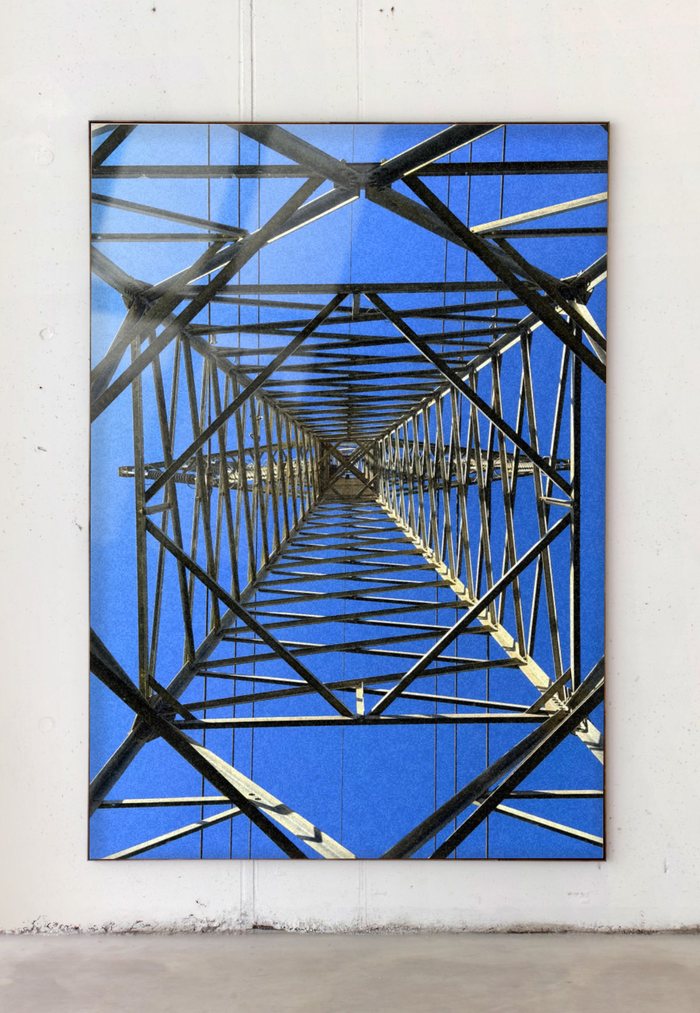
Stipple Studio
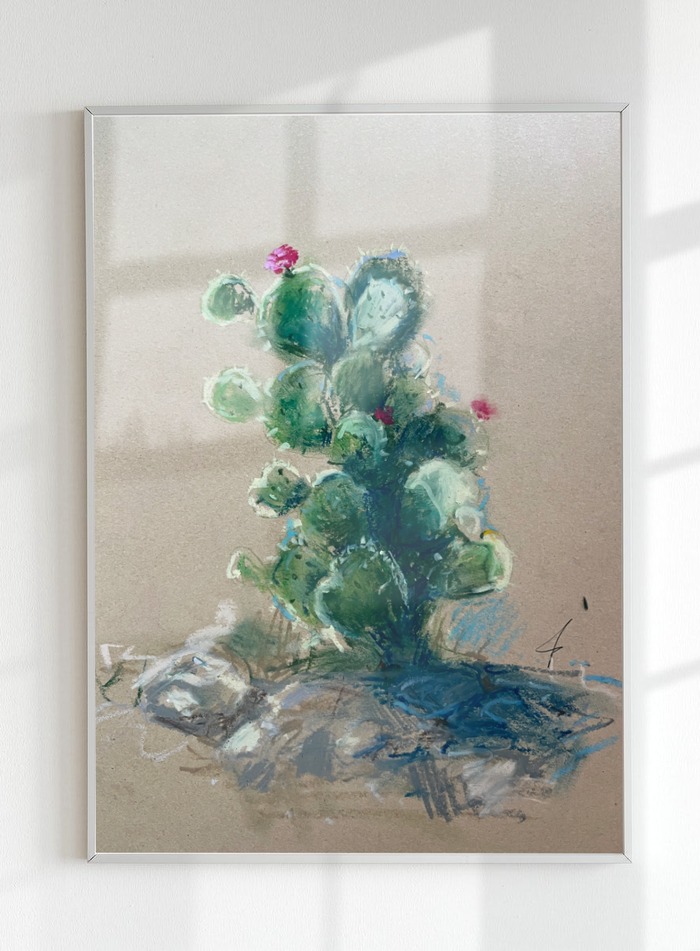
I wanted my Cricut to draw, not just cut — portraits made of thousands of pen dots. Its own software can’t generate that kind of drawing, so I built the missing piece.
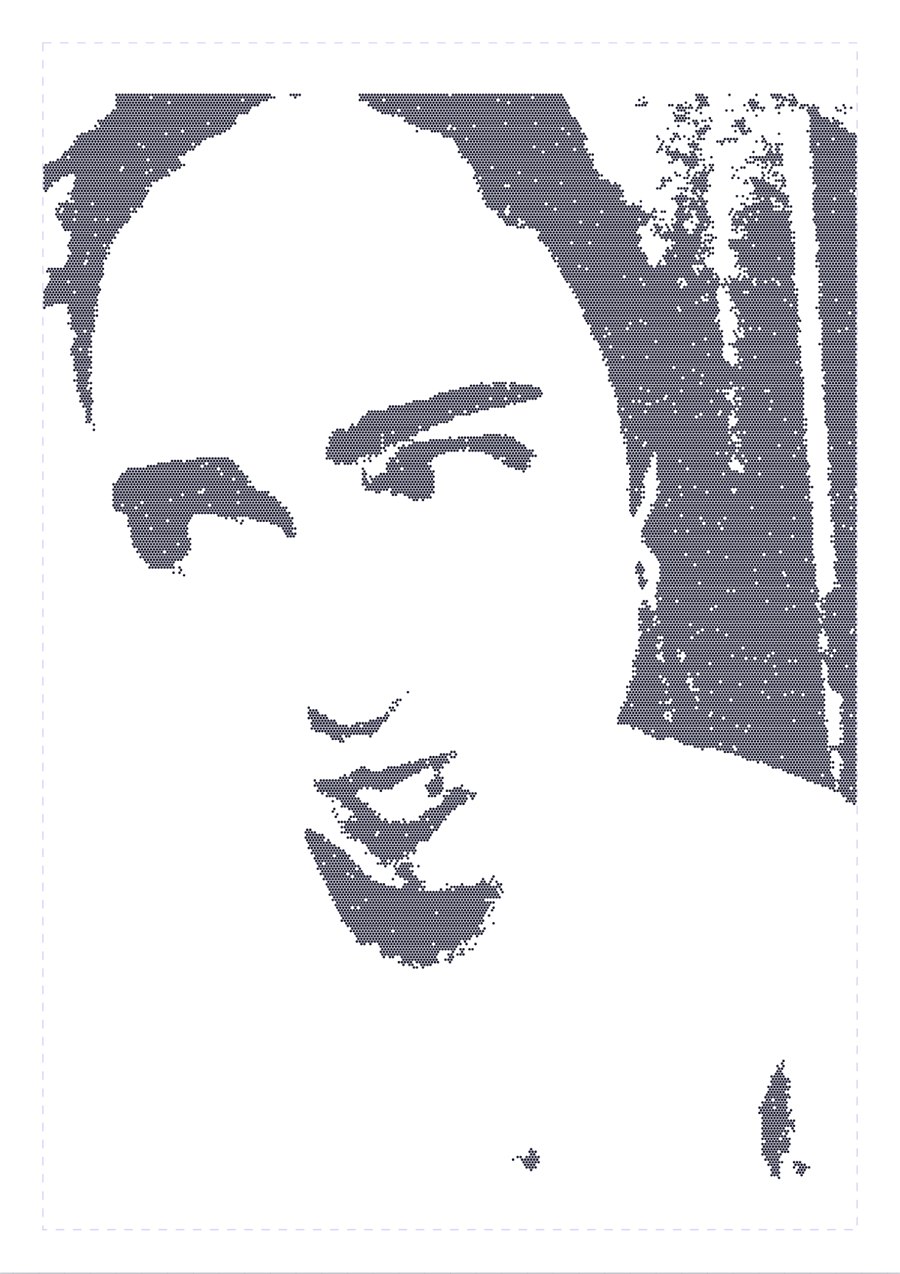
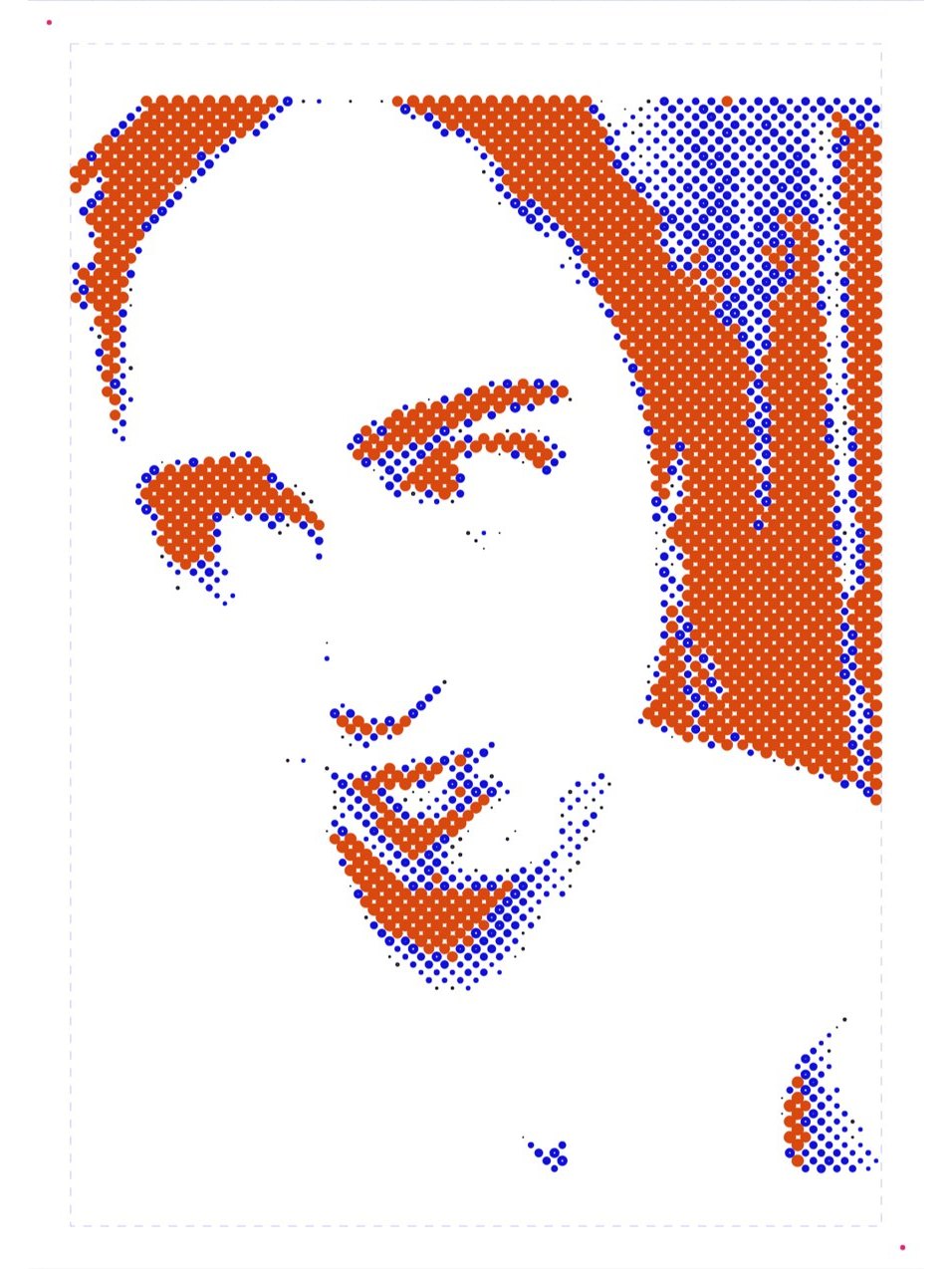
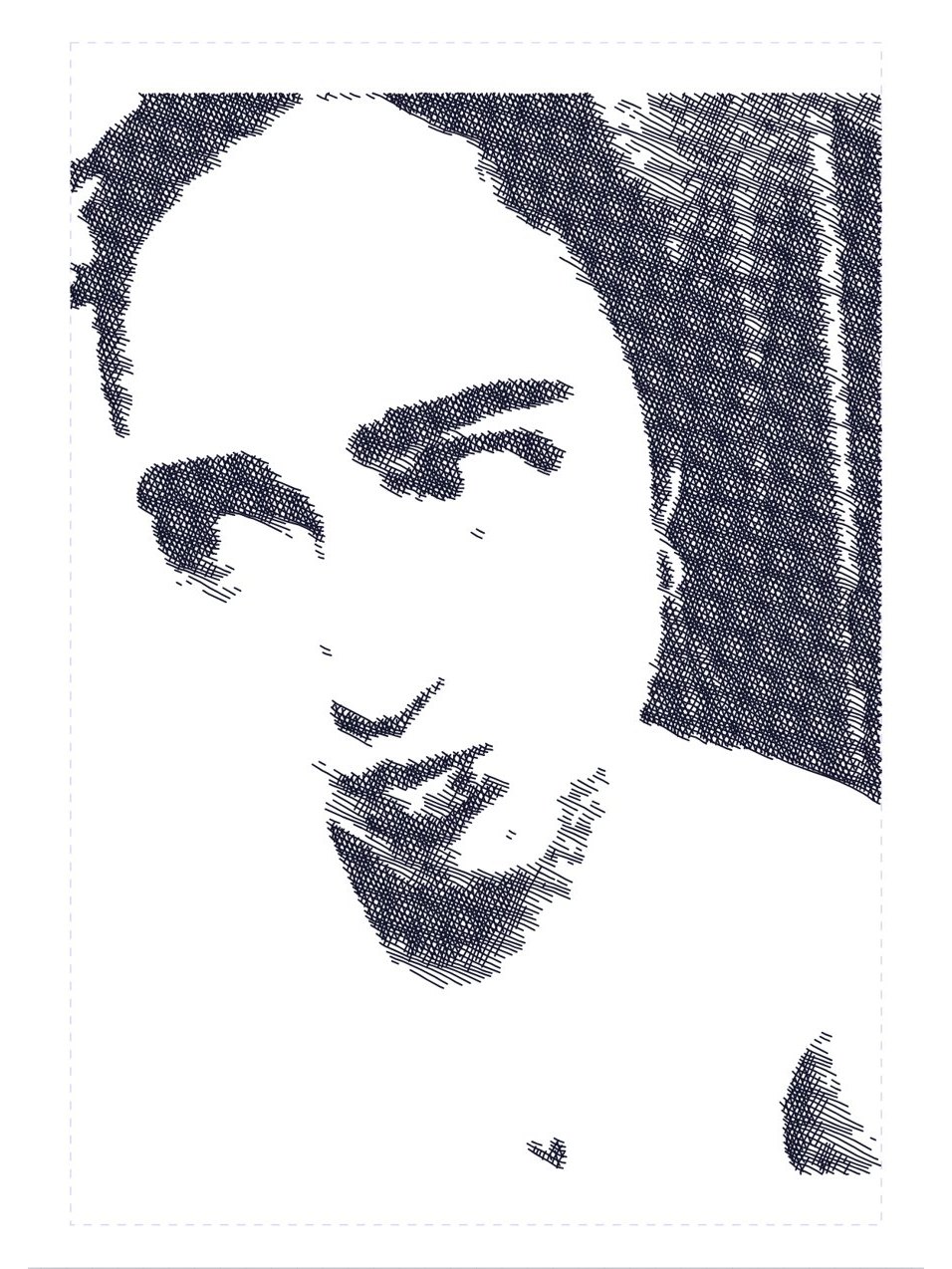
Stipple Studio turns an image into a pen drawing — photocopy-style grain, smooth Voronoi stippling, a halftone that switches between up to three pens, or engraved cross-hatching — and exports SVG files ready for Cricut Design Space. An optional vector mode first traces the image into flow lines, so the dots and hatching follow the movement of the original drawing.
Open the tool Try it yourself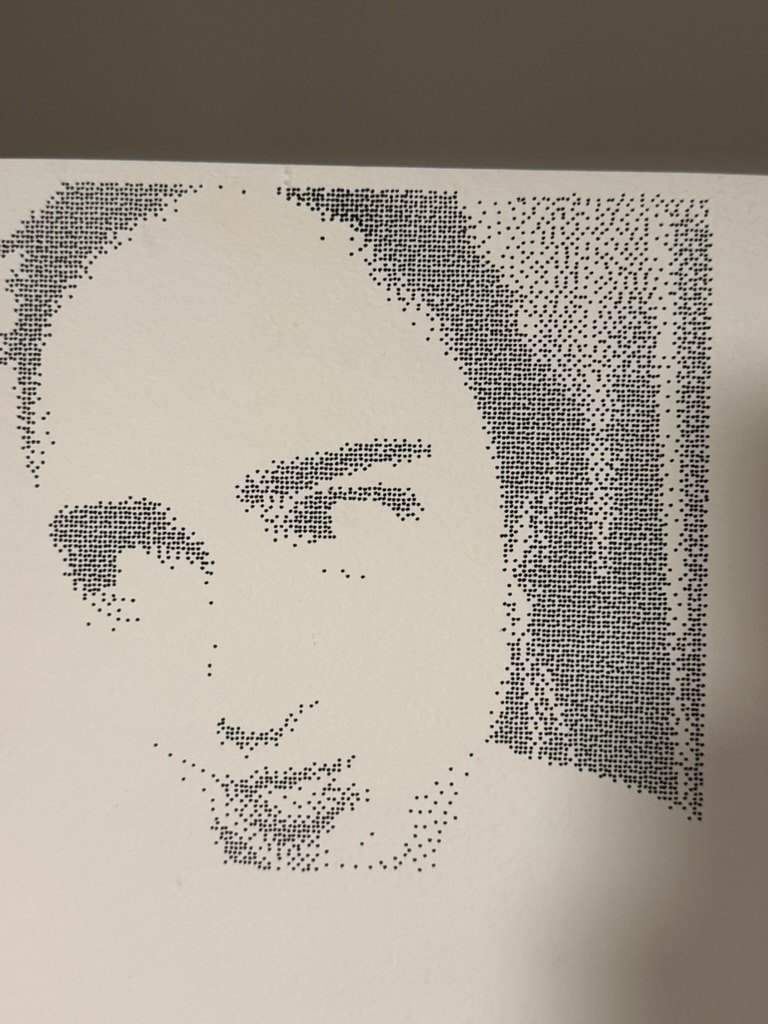
Ongoing experiment · Work in progress
G-code Designer
I wanted more direct control over what a 3D printer actually does, beyond the settings offered by a traditional slicer.
A visual tool for shaping G-code directly through parameters such as twist, taper and wave, while making the toolpath itself easier to understand.
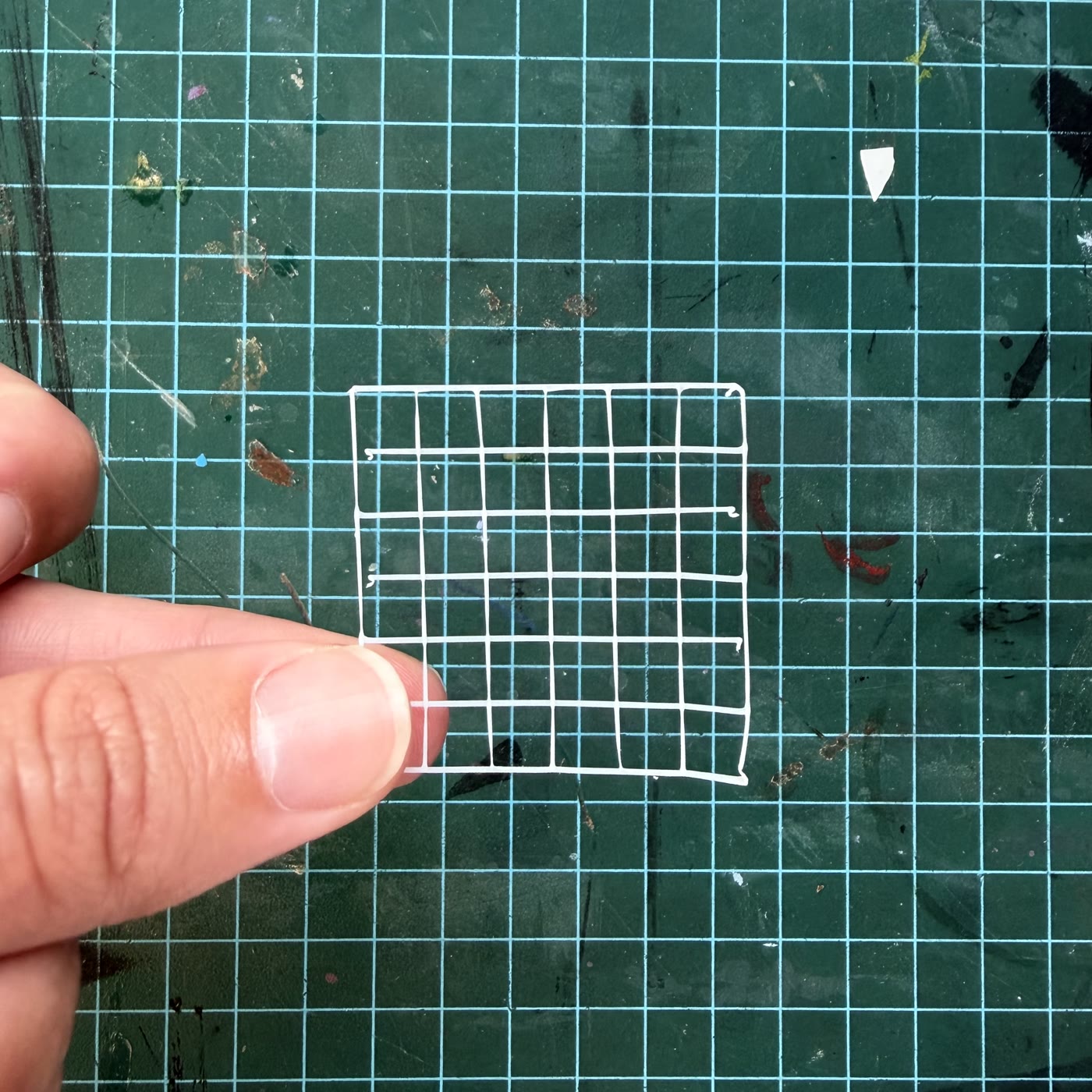
Latest update — a new Weave mode for designing woven patterns directly as a toolpath: pattern, thread spacing and width, and layered strand builds, with a live 3D preview. Printed the first physical test to see how the simulated weave holds up in real filament.
Bubble Mind Map
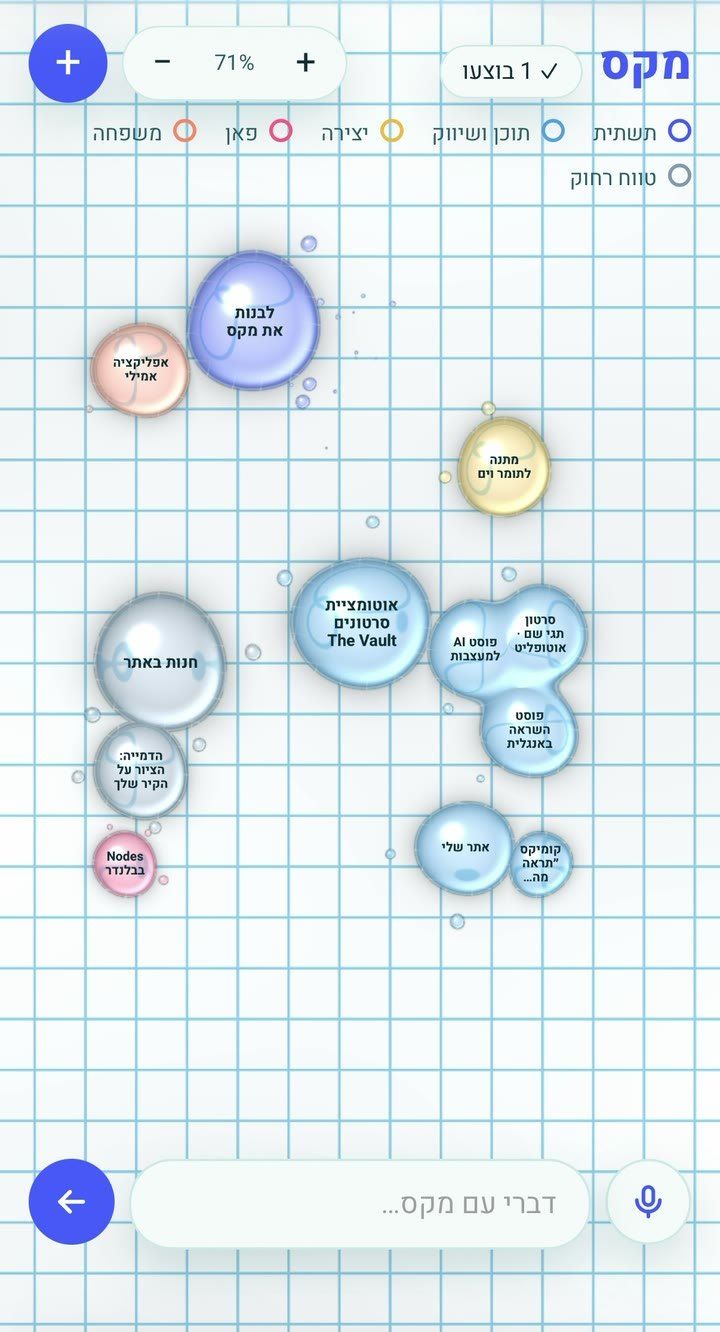
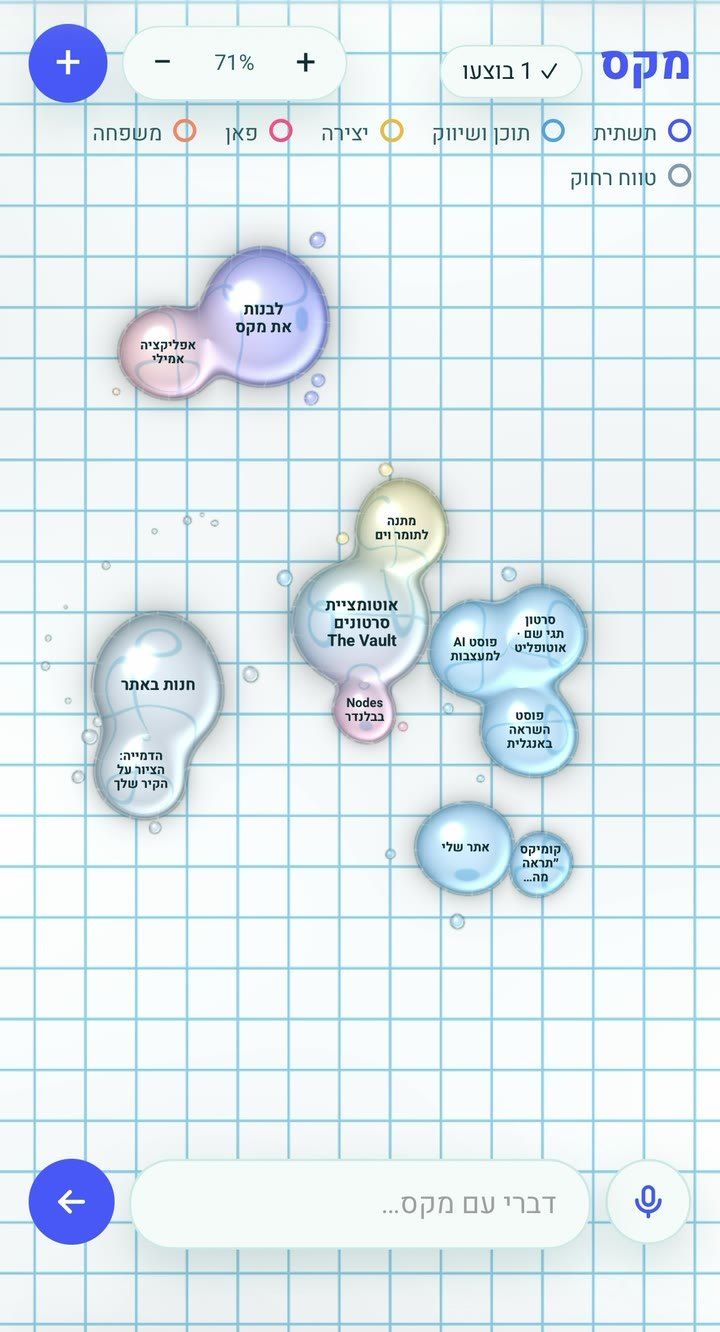
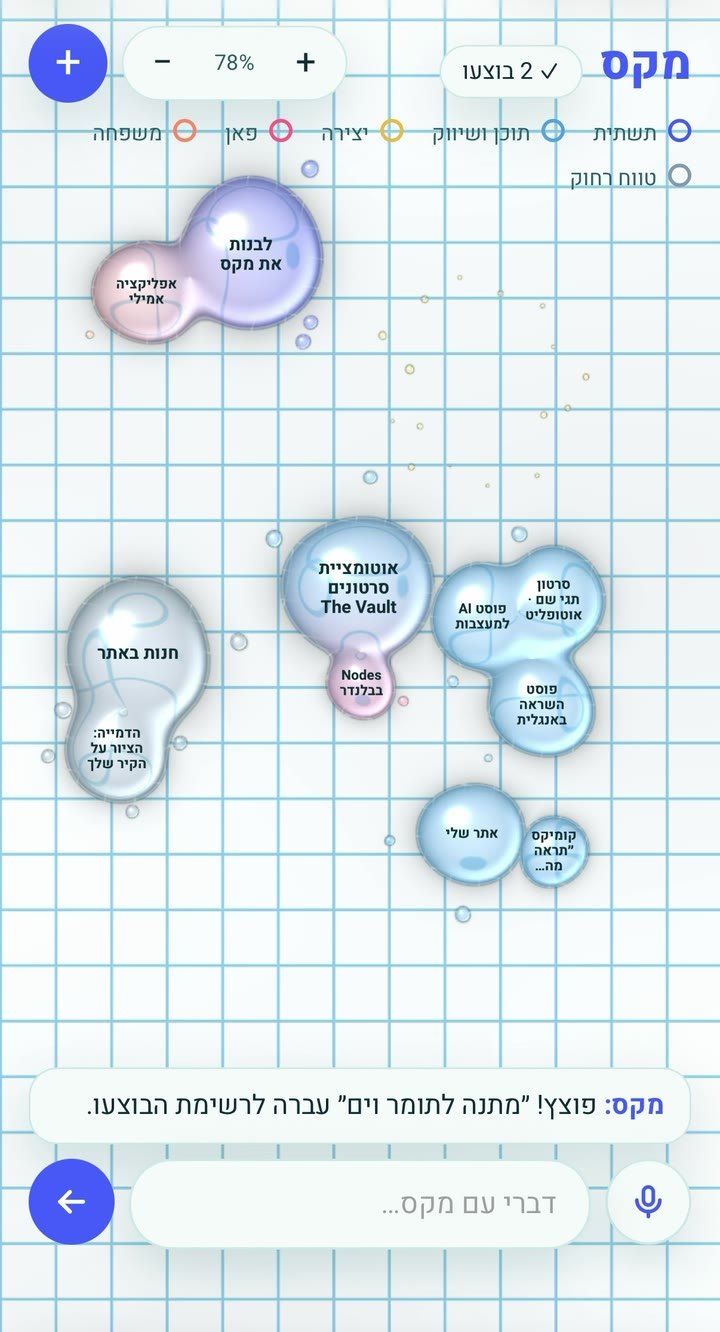
I wanted to see all my tasks at once, the way they actually sit in my head — not as a list, but as things that float, cluster and connect.
A liquid mind map: every task is a glass bubble, sized by how big the job is and tinted by its category. Drag one into another and they melt together, pull them apart and they snap back into drops. Double-tap a bubble to pop it when it’s done — it moves to a list, so nothing is lost. Everything stays in your own browser.
Open the tool Try it yourself